AI Overlays
Every overlay you describe and the AI generates for your event.

Here is everything Snap360 can do for you: 360 videos and prints ready to hand out on an iPad or a Windows PC.

Your guest posts it the same night, and that is where your next client sees you. That is the whole business.
Record your videos even with no internet. They upload on their own when you are back online.
Set the speed of the video, steady or with ramps, for effects nobody else has.
Build intros, outros, overlays and boomerangs, and add your own audio files.
A gallery to watch and download the event videos for 30 days.
Describe your idea and the AI generates the perfect overlay for the event in seconds.
Visual effects and exclusive designs that match the theme of every event.
Lift the quality of your videos with visual effects designed for each occasion.
Make the keepsake yours with exclusive designs that match the theme of your event.
Pick 2, 3 or 4 shots and the app lays the sequence into the client template. Nobody crops anything by hand.
The wedding, the birthday or the brand, with its typeface and its logo, applied to every photo as it is taken.
The print comes out of the printer and the same photo reaches the guest by QR, without asking for their email.
Black and white, sepia and vignette applied as you shoot, so the print comes out with the style of the event already on it.



Pick one of the ready made templates or build your own. It comes out ready to print and to share.


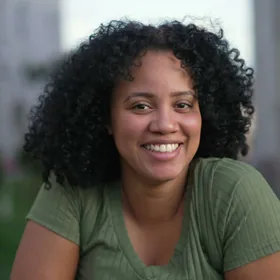
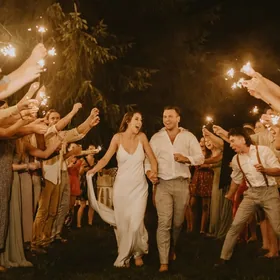
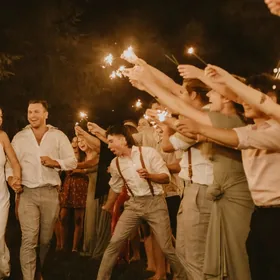
Create unique, personalised designs in seconds. Just describe your idea and our AI generates the perfect overlay for your event.
The features that artificial intelligence generates are paid with SnapCoins, the currency of the app. That way you do not pay a fixed extra every month for something you use some months and not others: you spend when you actually use it.
Every overlay you describe and the AI generates for your event.
Your own tracks over your videos, with no third party rights.
Sending the video to the guest phone without saving the contact by hand.
Adding cloud space when a big event fills up the one in your plan.
 10free SnapCoins when you subscribe
Subscribe to SNAPPHOTO, PRO or DIAMOND PRO and you get 10 free SnapCoins, and on the Free Plan 3 as a sample, so you can try these features before spending anything. They are enough for 10 AI overlays, or 5 music tracks, or 10 deliveries by WhatsApp. It is a one off gift: when they run out, you buy them inside the app. They are all explained in pricing.
A glitch in front of a hundred guests does not cost you a complaint: it costs you the referral you were never going to hear about.
Instant QR and delivery by WhatsApp, AirDrop, email, social and more.
Recording starts by itself as soon as it detects movement. Nobody has to stand over it.
Our team walks you through every step, including a Saturday at eleven at night.
Every premium feature for less than you charge for a single event.
Run as many as you need. In high season there is no counter holding you back.
It works on both systems and on tablets, with the same account.
The photo booth is a separate module and it works in two places: on the iPad or iPhone in the booth and on the PC you already have inside it.
With a countdown between shots, so nobody is caught halfway through a pose.
The guest sees themselves with the event overlay on while they pose. Nobody is surprised by the result.
A warning on screen and the tablet itself works as a flash, so the face comes out lit without rigging anything.
Layers, rotation, text and the client logo wherever you put it. It is saved and it serves the next event.
Almost the whole EOS range connected by cable. If you are not carrying a DSLR, the iPad one and off you go.
The strip comes out of the booth printer if it is published on its network, which is what the mini server of the booth does.
The software drives the printer and shows the print before it burns paper. 2x6, 4x6 and square formats.
One for the guest and one for the event album, without posing again.
You know how many you have run and you set a limit per event. That is what keeps you from running out of paper halfway through.
Full screen with no access to Windows and the settings behind a password: the waiter does not touch anything.
The software watches both and says so on screen, not when there is already a queue.
Black and white, sepia and vintage applied on the spot, not later in editing.
Their logo, a still image or a slideshow with the photos of the event itself while the booth rests.
You copy the setup and the assets from last Saturday. Next Saturday, done.
The whole event runs locally, with the photos in folders and a ZIP export.
The app and the Windows software are bought separately: see the SNAPPHOTO plan for iPad or the Windows licence.
Three modules and three places where they work. We would rather say it here than in a support email on a Saturday night.
| What you need | 360 Videos | Photos on iPad | Photos on PC |
|---|---|---|---|
| 360 platforms and glambot | ✓ | · | · |
| 360 degree videos | ✓ | · | · |
| Single photo and photo strip | · | ✓ | ✓ |
| Printing with a DNP printer by cable | · | By AirPrint | ✓ |
| Canon EOS camera by cable | · | ✓ | ✓ |
| GoPro camera | ✓ | · | · |
| Working with no internet at the venue | ✓ | ✓ | ✓ |
| Delivery by QR, WhatsApp and email | ✓ | ✓ | ✓ |
| Event gallery and web panel | ✓ | ✓ | ✓ |
| Booth mode with a PIN to exit | · | · | ✓ |
| Two prints from the same shot | · | · | ✓ |
| Overlays generated with AI | ✓ | · | · |
Printing from the iPad goes through AirPrint and the booth mini server handles it, not the app. On Windows the printer is wired straight into the software.
The guest sees on a big screen what they are taking home before they leave, and that changes what they share.
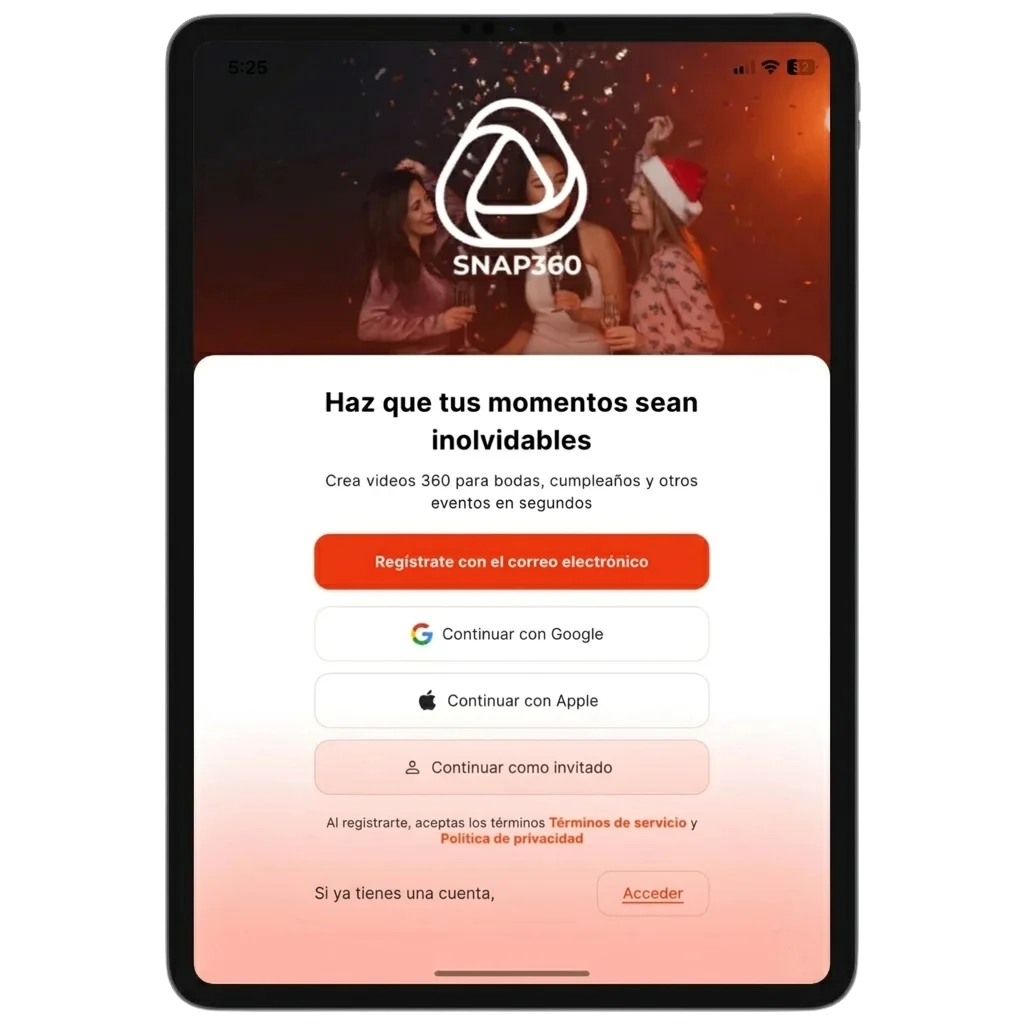
It is the difference between a video that looks good on a phone and one that holds up on the living room screen. Connect your GoPro and raise the bar: smooth clips, professional resolution and direct transfer with no cables.
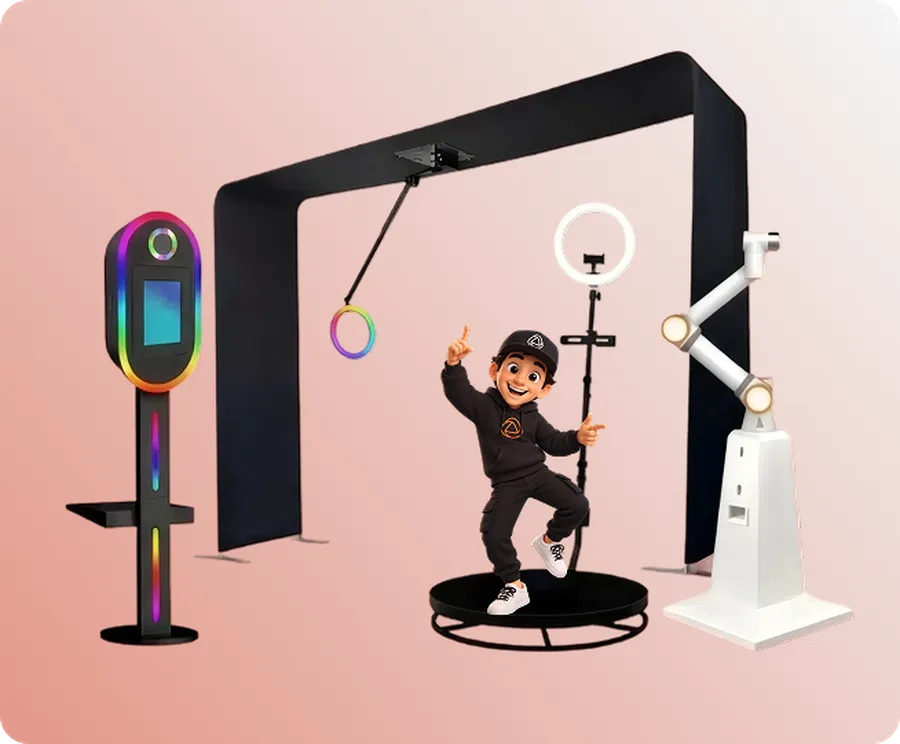
Filters, overlays and smart design in the app; events, subscription and storage from the computer with Snap360Web.
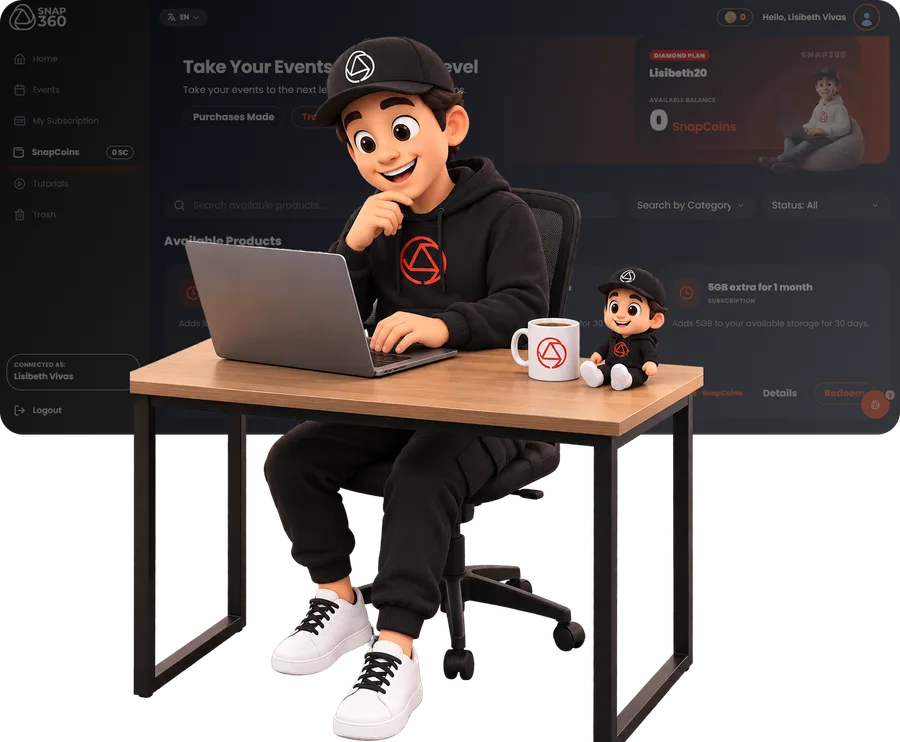
Create and edit all your events and download the videos without touching your phone.
Keep an eye on the space you use and manage the recordings of every event.
Your plan and its dates, always in sight and without calling anyone.
Step by step to connect the GoPro, use the remote, build overlays and master every feature.
See TutorialsSnappers telling how they built their 360 photo booth business and what changed when they moved to Snap360.
See Case StudiesPlans from just €19.99, 20% cheaper than in the stores, and with no lock in.
See PlansA single weekend event pays for the whole year. Download it free, try it at your next one and decide after that.